

You shouldn’t have to guess when you can call.
The Current Trip. When your crewmember is available. When they land. When their trip changes. When they come home. Stay in the know easily while your crewmember focuses on flying.
We never connect to airline systems or ask for your login. Your trips come only from your Apple Calendar, a calendar file you choose, or what you type in. How we handle your schedule →
Overview
Is Dave available?
Now / Next / After. When it’s a good time to call. Getting Home at the same glance. Keeping you updated on their status throughout their trip.
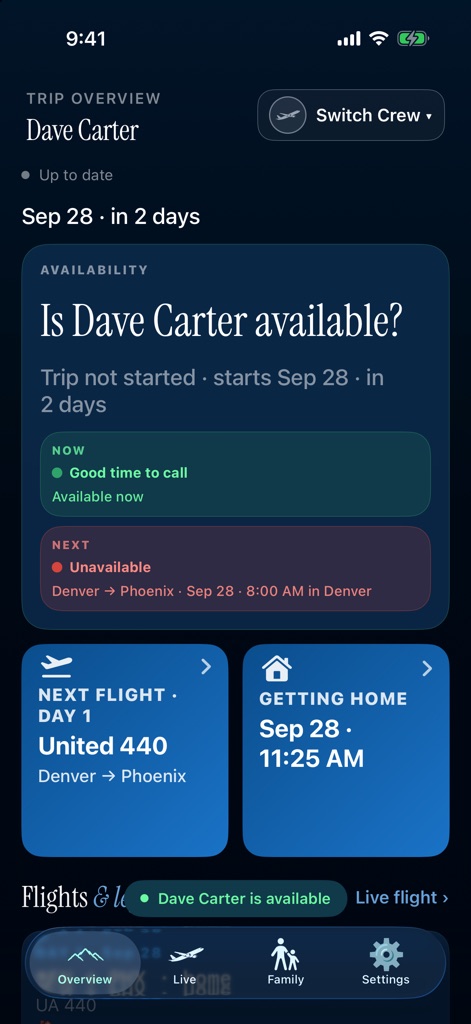
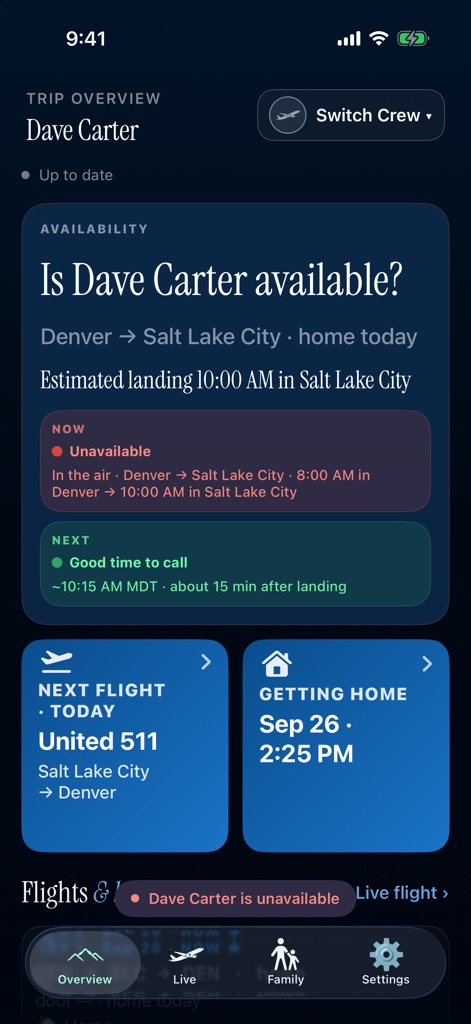
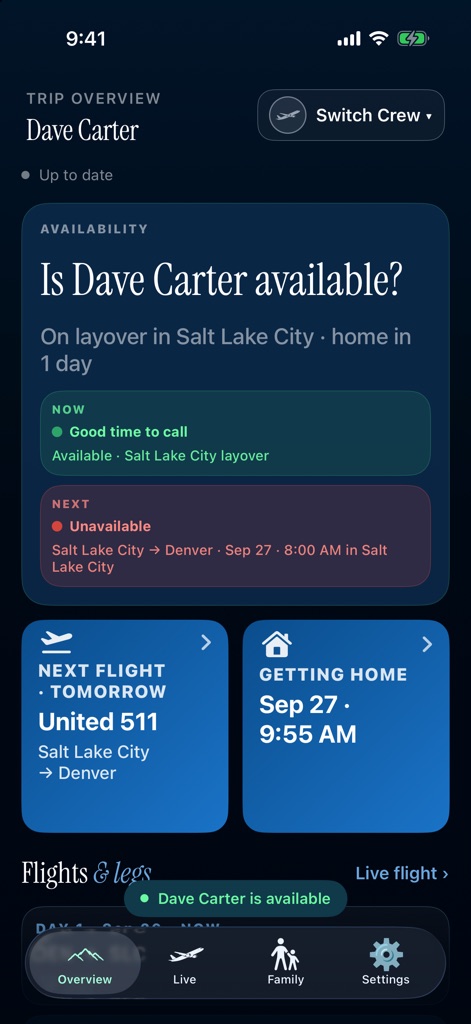
Screens show fictional demo data. Not real crew, flights or hotels.
Alerts
Notifications
A ping when the trip changes. Takeoff, approach, and landing. Quiet hours pause schedule alerts overnight.
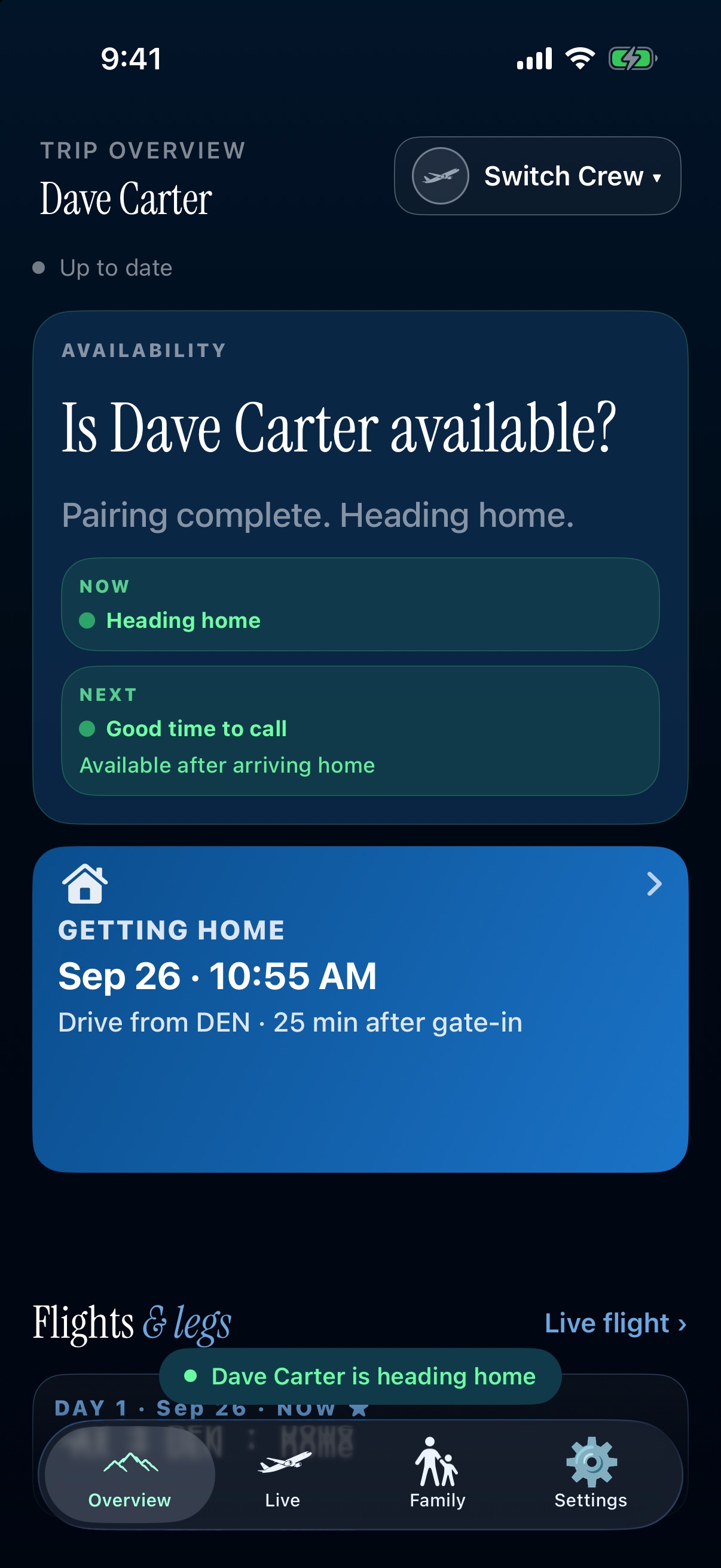
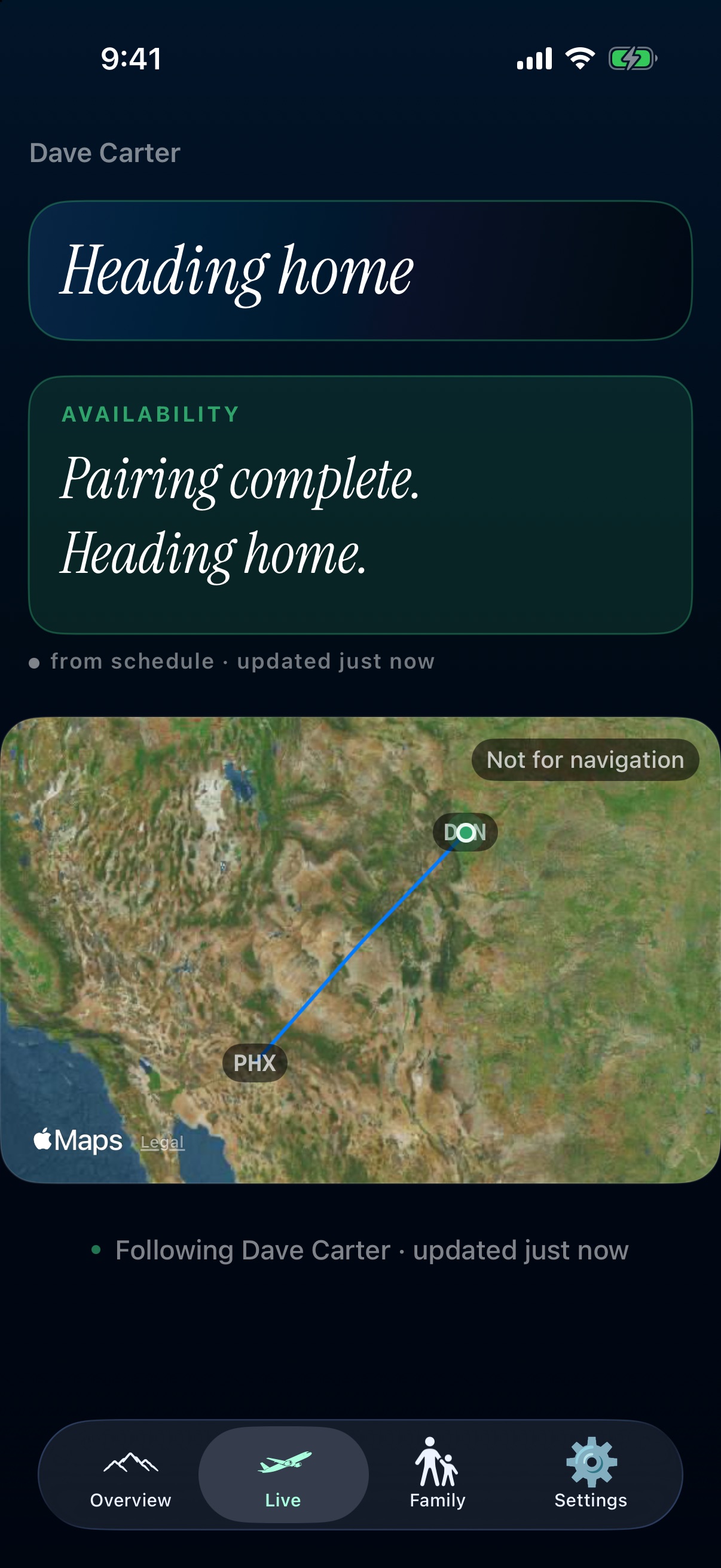
Getting Home
Heading home after last duty.
Up to three commute flights home, with airline and times, leaving at least 45 minutes after the last flight reaches the gate.
Schedule only · not ticketed · seats not confirmed.
Based on the published schedule and flight data. No GPS.
Screens show fictional demo data. Not real crew, flights or hotels.
Live
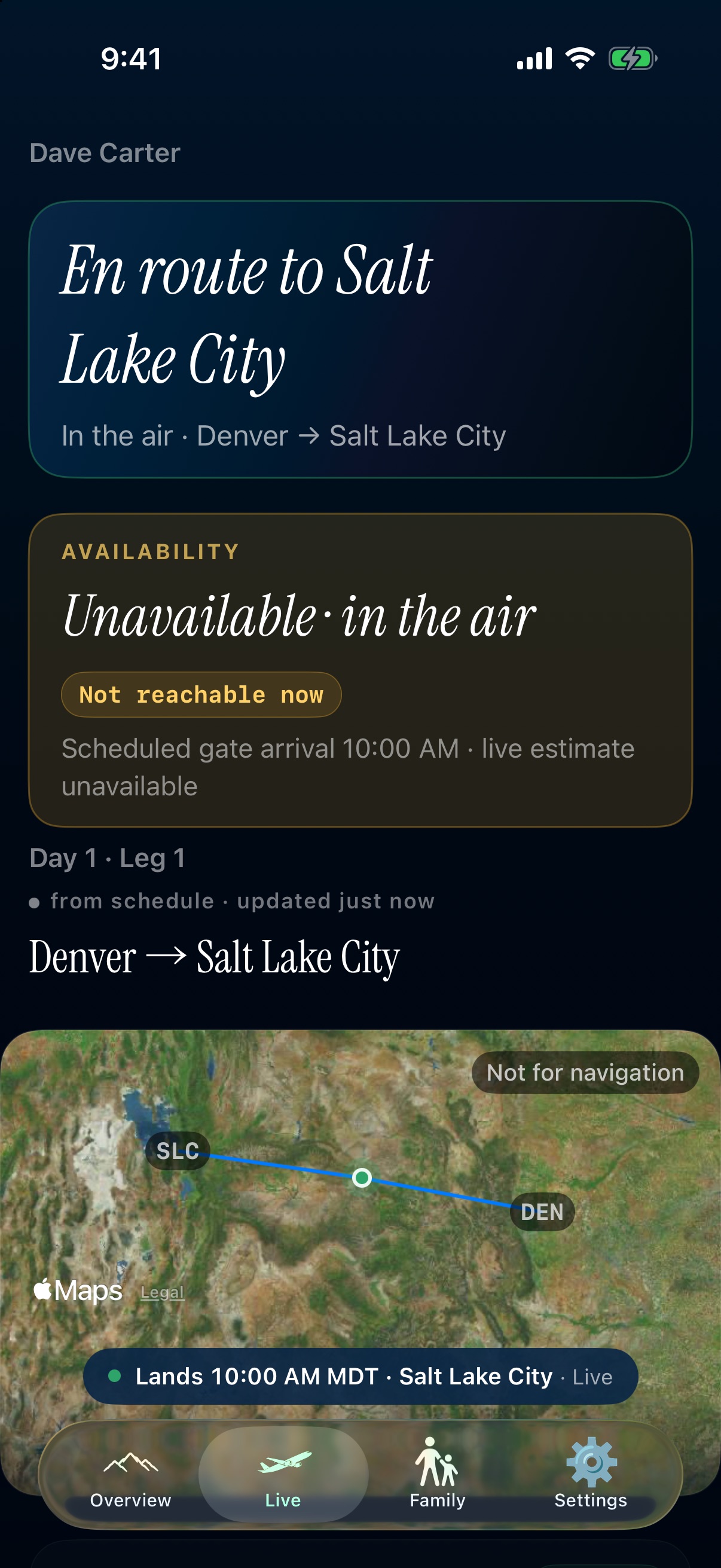
In the air, on the map.
This example is Denver to Salt Lake City.
Schedule and flight data only. No GPS. Not for tracking. Not for navigation.
Screens show fictional demo data. Not real crew, flights, or hotels. Not for tracking. Not for navigation.
Family and crew
Follow more than one crew.
Tap the name to switch.

Screens show fictional demo data. Not real crew, flights or hotels.
Family View
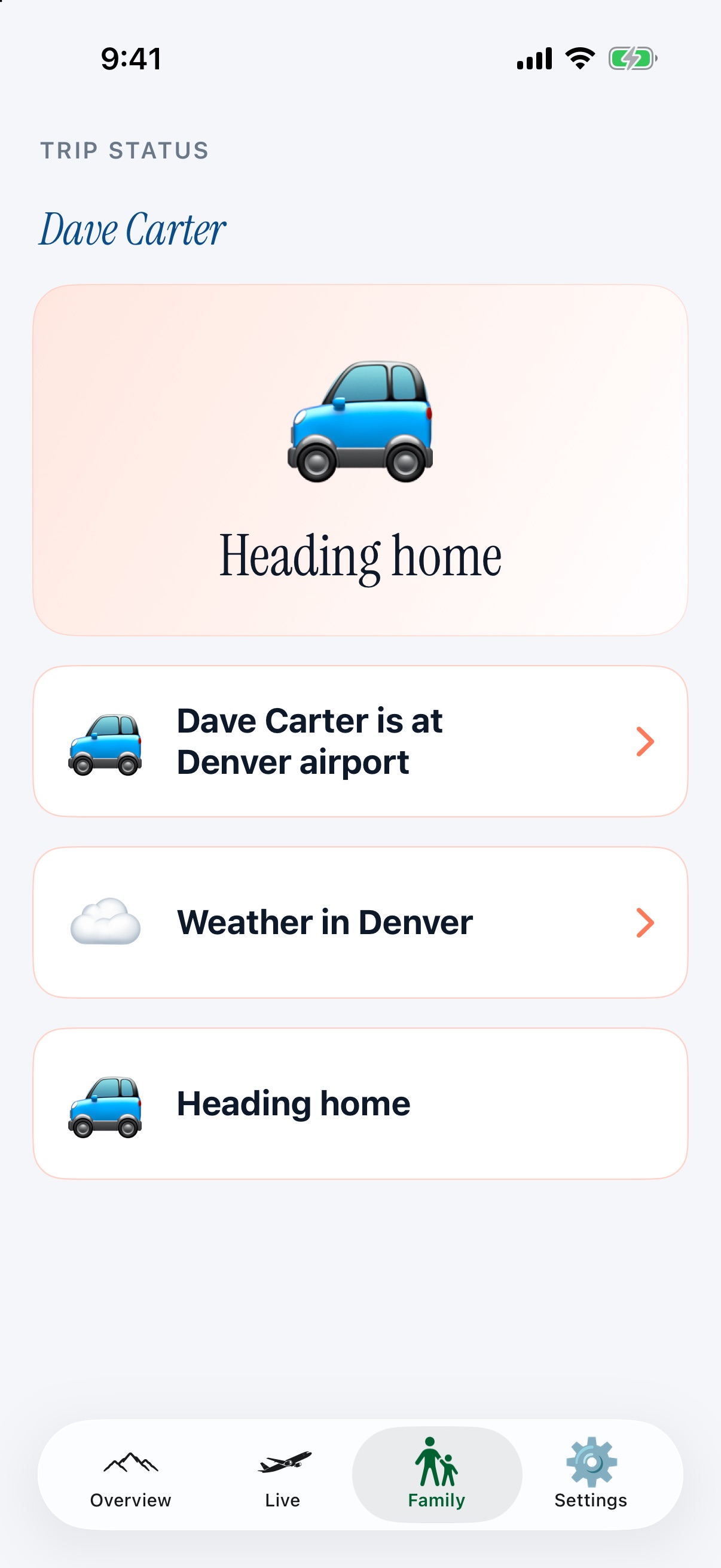
For the family at home.
Family members see the trip at a glance: where your family's loved one is, when they're heading home, and when it's a good time to call.
Following a crew requires a subscription. A Family plan covers everyone in your Apple Family Sharing group.
Choose an Individual or Family plan through Apple. Trip updates and flight alerts are part of the subscription.
New subscribers get a 2-week free trial on every plan.

Screens show fictional demo data. Not real crew, flights, or hotels.
Clocks
Local times for both you and your crewmember.
Times appropriate for the crewmember’s city and yours. No trying to figure out their clocks and sleep schedule.
8:41 AM in Denver
10:41 AM in New York.